 For developers
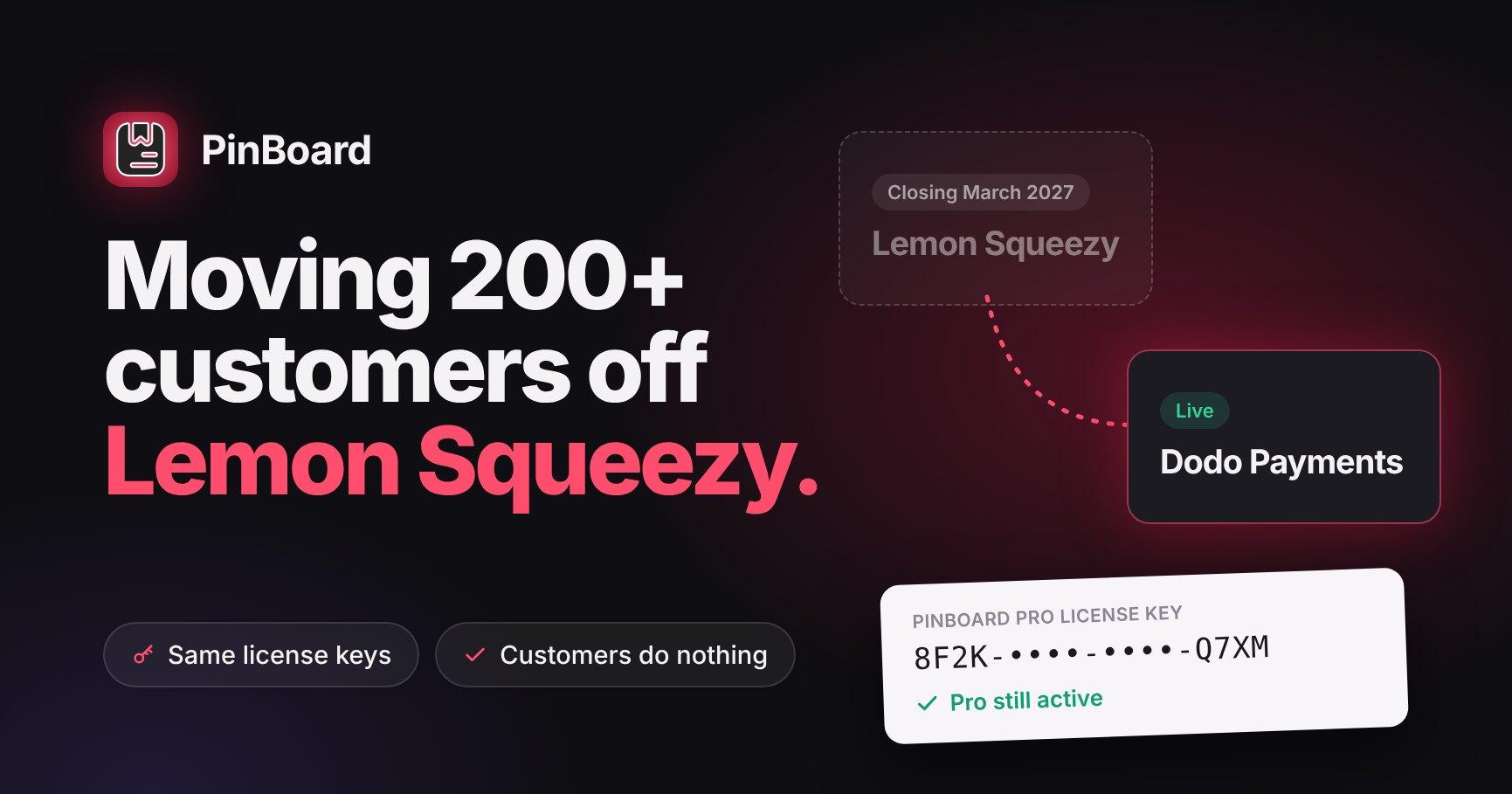
When Lemon Squeezy announced it was closing, my first thought wasn't about payments. It was about the 200+ people who had already paid for my app.
I sell PinBoard, a desktop app that downloads and backs up Pinterest boards. Pro costs $19 once, and every buyer gets a license key by email. Every one of those keys lived on Lemon Squeezy. If Lemon Squeezy goes away, so does the thing that tells my app "yes, this person paid."
Lemon Squeezy closes for good on March 31, 2027. That sounds far away. It isn't, because desktop apps don't update themselves the moment you ship. Some people will open a version from six months ago and expect it to just work.
Here's how I moved everything over, and what I'd do the same way again.
Why I Picked Dodo Payments
I already used Dodo Payments for my other product, GetPDFSigned, so this was an easy call. Three things mattered:
- It's a merchant of record. Dodo is the seller on paper. It handles sales tax, invoices and refunds in every country, so I don't have to.
- License keys are built in. Keys, activation limits and "is this key still valid" checks all come with it. No extra service to glue on.
- It works for a business based in India. A lot of the obvious options don't, so this was a real filter for me.
Step 1: Get Approved Before You Touch Any Code
Dodo reviews every business before it can sell. I treated this as step one, not an afterthought.
For PinBoard I added three pages to the website: Terms, Privacy and a Refund Policy (14 days, no drama). Then I submitted the app and the site for review.
One decision worth copying: I set PinBoard up as its own business in Dodo instead of putting it under GetPDFSigned. They're different products for different people. Keeping them apart keeps the payouts, the reports and the support emails clean.
The approval came through, and the switch went live the same day.
Step 2: Copy the Keys, Don't Replace Them
This is the part that made the whole move painless for customers.
Dodo has a migration tool that copies your existing Lemon Squeezy license keys over. Same key text, same limit of 3 computers per key. So a customer's key, sitting in an email from months ago, is still the right key. Nobody needs a new one.
If you take one thing from this post, take this: don't make your customers do anything. Every "please do X" email you send is a support ticket waiting to happen.
Step 3: Let the App Move Itself
There's a catch. The keys copy over, but the activations don't. Dodo knows the key exists, but it doesn't know which computers it was already turned on for.
So the new version of PinBoard handles it quietly. The first time it opens and finds a key that was set up the old way, it activates that same key with Dodo in the background. The customer sees nothing. Pro just keeps working.
And if the computer is offline at that moment? The app keeps Pro on and tries again next time. A paying customer should never lose what they paid for because their wifi dropped.
Step 4: Plan for the People Who Never Update
Old versions of the app still talk to Lemon Squeezy, and they keep working until Lemon Squeezy shuts down. That part is fine.
The problem is the Buy Pro button. In old versions it opens the Lemon Squeezy checkout, which I had already turned off. Someone trying to give me money would hit a dead end.
So I did three small things:
- Turned off selling on Lemon Squeezy before releasing the update, so nobody could buy through the old checkout in the gap.
- Put a box on the website: "Buy Pro not working in the app? Install the latest version."
- Wrote the release notes for normal people: "Already have Pro? There's nothing to do. Your key keeps working."
Step 5: Fix the Mistake I'd Made Years Ago
The old version of my app had the price written inside it. That meant changing the price needed a whole new release.
While I was in there, I took the price out of the app. The website and the checkout show it now. Next time I change the price, I change it in one place and nobody has to update anything.
The price itself stayed exactly the same: $19, plus tax where it applies, just like before. A payment switch is not the moment to surprise people.
What I'd Tell You If You're Moving Too
- Get approved first. Write your Terms, Privacy and Refund pages now. You'll need them anyway.
- Keep the same keys. Copy them over instead of sending new ones.
- Build the move into your app. Your customers shouldn't have to know you changed anything.
- Turn off the old checkout before you ship. Then point people from old versions to the new one.
- Never hardcode a price in an app you can't update instantly.
The whole switch took a few days of work, and not one customer has to lift a finger.
If you want to see the result, PinBoard is the app that moved. And if you ever need a PDF signed by someone on their phone, GetPDFSigned is the one that's been on Dodo from day one.