 How-to guides
"Electronic signature" and "digital signature" get used as if they mean the same thing. Apps call themselves digital signature tools when they let you draw your name with a finger, and people say they "digitally signed" something when they typed their name into a box.
Most of the time, nobody minds. But sometimes it matters: a government portal rejects your filing, a bank asks for a "proper" digital signature, or a client in Europe asks which level of signature you used. Then you need to know the difference.
Here it is in plain words: what each one is, what it proves, what the law says in the US, the EU and India, and how to tell which one your document actually needs.
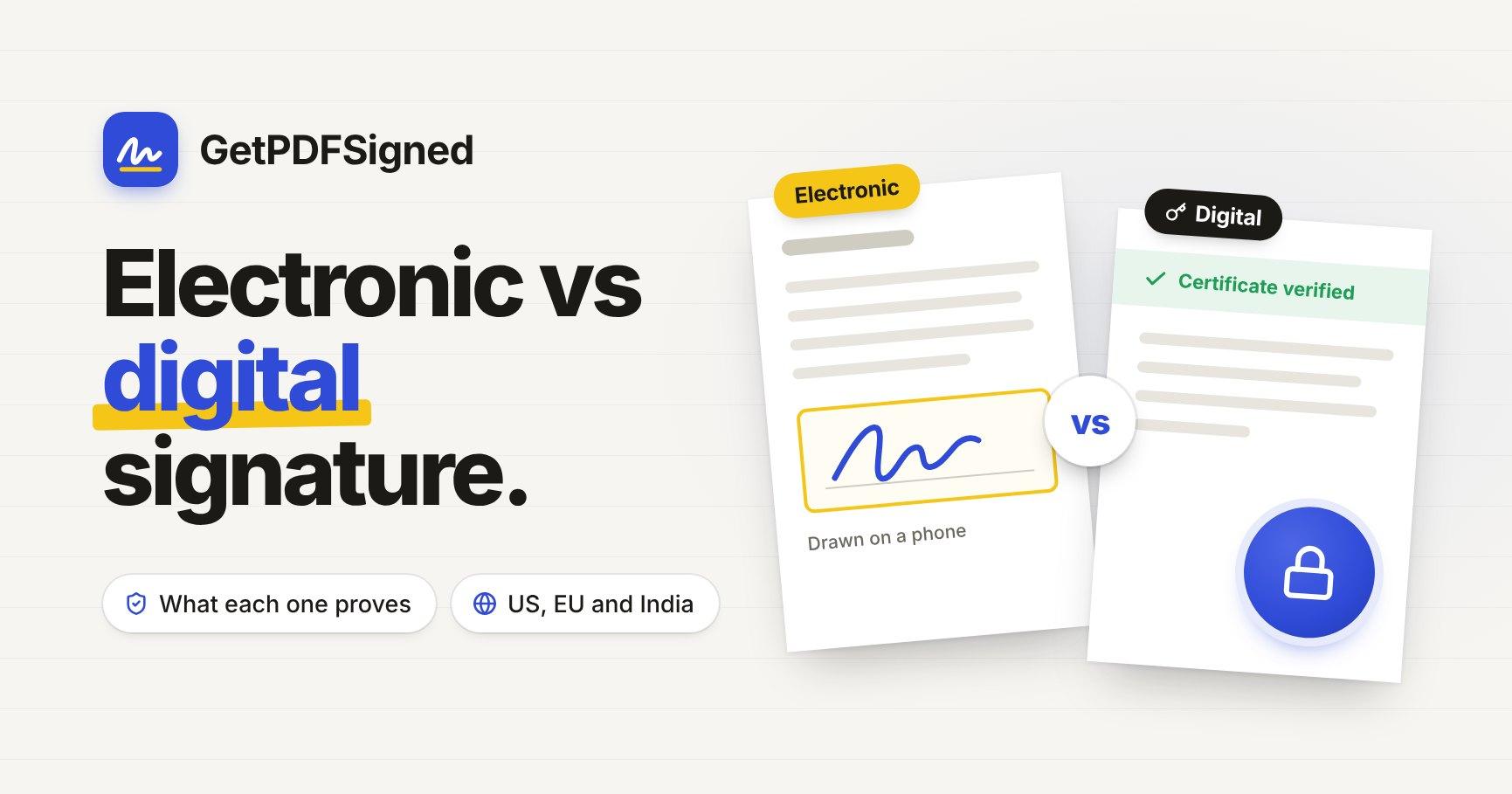
An electronic signature is any electronic way of agreeing to a document: typing your name, drawing it with a finger, or clicking "I agree". A digital signature is one technical kind of electronic signature. It uses a certificate tied to your identity and seals the file, so anyone can check who signed it and that nothing changed afterwards.
Electronic vs Digital Signature at a Glance
| Electronic signature | Digital signature | |
|---|---|---|
| What it is | Any electronic sign that you agree to a document | A signature made with a certificate and cryptography |
| Examples | A drawn or typed name, a ticked box, an "I agree" button | A DSC in India, a qualified signature in the EU, a certificate-based signature in Adobe Acrobat |
| What backs it up | The record around it: who, when, from which device, and the file's fingerprint | The signature itself, checked against the certificate |
| Who checks your identity | Usually nobody, or a simple email or phone check | A certificate authority, before it issues the certificate |
| Shows if the file changed | Only by comparing fingerprints or records | Yes, the PDF reader flags it |
| What the signer needs | A link and a phone | A certificate, often on a USB token or through a paid service |
| Typical uses | Contracts, leases, offer letters, consent forms, approvals | Tax and company filings, tenders, some banking and legal documents |
What Is an Electronic Signature?
US law describes an electronic signature as "an electronic sound, symbol, or process" attached to a document and used by a person who means to sign it. That's broad on purpose. All of these count:
- Drawing your signature with a finger on a phone
- Typing your name and picking a handwriting style
- Clicking "I agree" or ticking a box that says you accept the terms
- Typing your name at the end of an email that accepts an offer
- Pasting a picture of your signature into a PDF
The mark itself proves very little. Anyone can type a name. What makes an electronic signature hold up is everything around it:
- Intent. The person clearly meant to sign, for example by tapping a button that says they agree.
- A link to the document. The signature belongs to this file, not just a message somewhere else.
- A record. When it was sent, opened and signed, and from which device and IP address.
- A copy for everyone. Both sides can keep exactly what was signed.
That's why good e-signature tools put most of their effort into the record, not the squiggle.
What Is a Digital Signature?
A digital signature is an electronic signature with a lock built in. Here's how it works, without the math.
First, a trusted company called a certificate authority checks who you are and issues you a digital certificate. It comes with two keys: a private one that only you control, often stored on a USB token or held by a signing service, and a public one that anyone can use to check your signatures.
When you sign, the software makes a fingerprint of the document: a short code that changes completely if even one character in the file changes. It locks that fingerprint with your private key and stores it inside the PDF, along with your certificate.
When someone opens the file, their PDF reader runs the check again. If the fingerprint still matches and the certificate is trusted, Adobe Acrobat shows a blue bar that says "Signed and all signatures are valid". If the file was edited after signing, the reader flags it.
So a digital signature proves two things on its own, without anyone having to trust the app that collected it: who signed, as far as the certificate authority checked, and that the document hasn't changed since.
Where you'll come across digital signatures
- India: a Digital Signature Certificate, or DSC. Since 1 January 2021 only Class 3 certificates are issued, and they're used for company filings on the MCA portal, GST, income tax e-filing and government tenders.
- The EU: a qualified electronic signature, made with a qualified certificate from a provider on an EU trusted list and a secure signing device.
- Everywhere: certificate-based signatures in Adobe Acrobat and similar tools, often used for official documents like transcripts and certificates.
Is One More Legally Binding Than the Other?
It depends on where you are, and this is where most of the confusion comes from.
United States
US law doesn't pick a technology. The ESIGN Act says a signature or contract can't be denied legal effect just because it's electronic. 49 states and Washington, D.C. have adopted UETA, which says the same, and New York has its own law, ESRA, with a similar effect. None of them rank digital signatures above other electronic signatures. What decides a dispute is evidence of who signed and that they meant to.
Some documents are outside ESIGN, including wills and testamentary trusts, family law matters like adoption and divorce, court orders, and certain notices, such as utility shutoffs and foreclosure or eviction notices for someone's home.
European Union
The EU's eIDAS regulation has three levels. A simple electronic signature is any signature in electronic form. An advanced one has to be uniquely linked to the signer and able to identify them. A qualified one is an advanced signature made with a qualified certificate and a secure signing device, which makes it the EU's version of a digital signature.
All three are admissible, so a court can't reject a signature just because it's electronic. But only a qualified signature automatically has the same legal effect as a handwritten one in every EU country. If a law in that country requires a handwritten signature for a document, a qualified signature is the electronic option that's guaranteed to count.
India
Indian law draws the clearest line. The IT Act calls a certificate-based signature a digital signature (section 3), and that's what a DSC makes. It also allows other electronic signatures (section 3A), but only the methods listed in its Second Schedule, which today means Aadhaar eSign and similar signing services from licensed providers.
A drawn or typed signature in a signing app isn't one of those listed methods. That doesn't make the agreement worthless: section 10A of the Act says a contract isn't invalid just because it was agreed through electronic means, and the signing record is evidence of who agreed and when. But if a law, a portal or the other side asks for a DSC or Aadhaar eSign, a drawn signature won't do.
Some documents, like wills, can't be signed electronically in India at all, and others, like rental agreements, often need stamp duty and registration however they're signed.
This is a plain summary, not legal advice. If a lot rides on a document, check with a lawyer in the country where it will be used.
Which One Do You Need?
For most everyday paperwork, a plain electronic signature is enough, and it's far easier for the person signing. They tap a link and sign on their phone, with no certificate, token or app.
An electronic signature is usually fine for:
- Freelance and client contracts, and NDAs
- Quotes, estimates and offer letters
- Rental applications and house rules
- Consent forms, waivers and permission slips
- Internal approvals and sign-offs
You'll likely need a digital signature when:
- A government portal requires one, like MCA, GST or income tax filings in India
- You're bidding on a government tender
- A bank, court or regulator asks for a certificate-based signature
- A law in your country requires a handwritten signature, and the only electronic option it accepts is a qualified one, as in parts of the EU
- The PDF itself has to prove it hasn't changed, with no other record to back it up
Not sure? Ask the person or organization you're sending it to: "Is a normal e-signature fine, or do you need a digital signature certificate?" It's a one-line question that can save you redoing the whole thing.
Common Mix-Ups
"A scanned signature is a digital signature"
It isn't. A picture of your signature pasted into a PDF is an electronic signature at best, and a weak one, because anyone who has the image can paste it again.
"Digital signatures are always more legal"
Not in the US, where the law doesn't rank them. In the EU, only the qualified level automatically counts the same as ink. In India the difference is real, because the law names specific methods.
"Any app that says 'digital signature' gives me one"
Plenty of apps use the words loosely. If there's no certificate, and Acrobat shows no blue signature bar when you open the signed PDF, it's an electronic signature. That's fine for most documents, but it's good to know which one you have.
"An electronic signature can't be checked"
A good e-signature tool keeps a trail: when the document was sent, opened and signed, from which device and IP address, and a fingerprint of the file, so you can show it wasn't changed.
Where GetPDFSigned Fits
I built GetPDFSigned, so here's an honest answer about which kind it makes: electronic signatures.
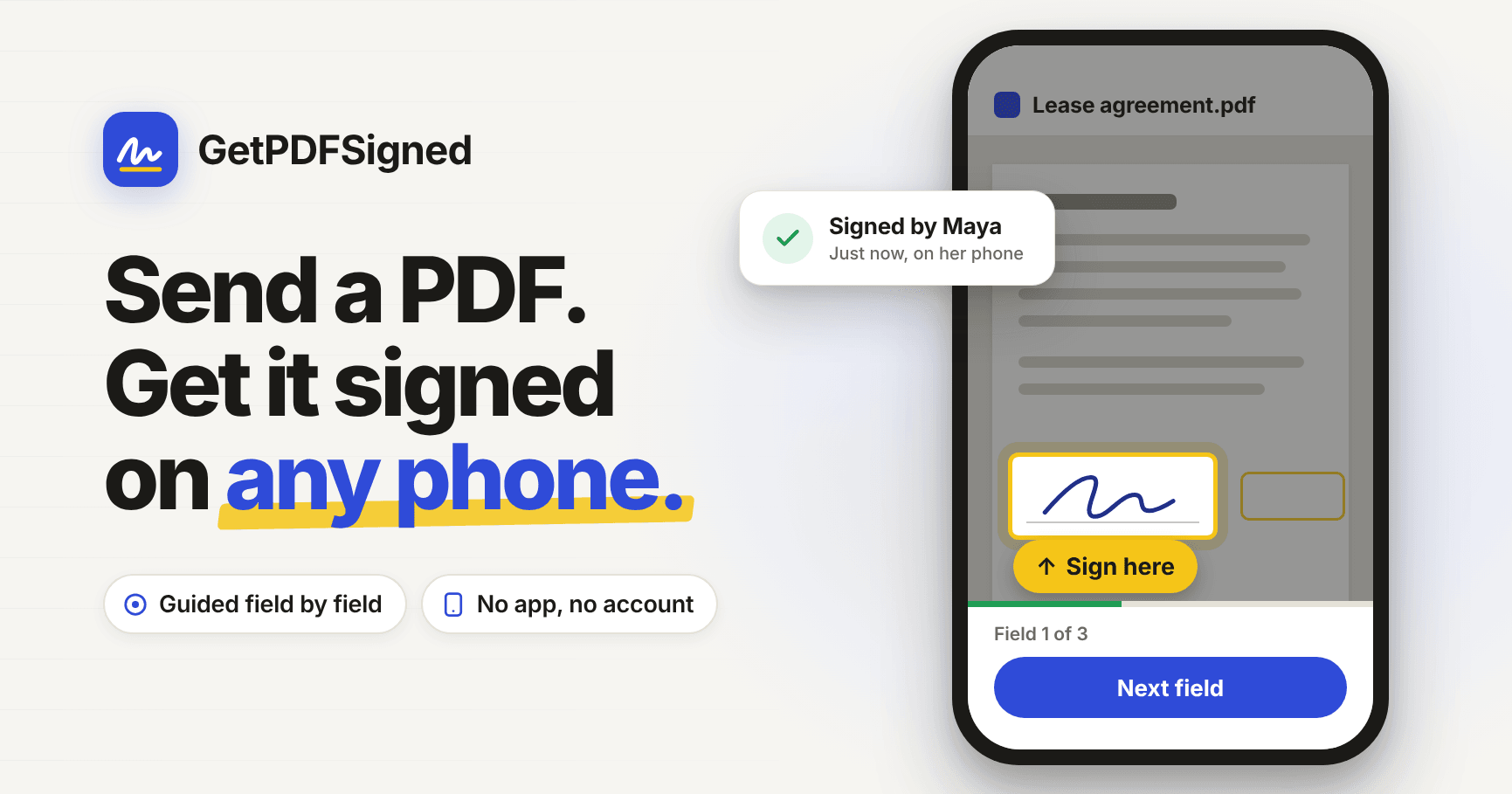
You upload a PDF, mark where the other person needs to sign, and send them a link. They open it on their phone, get guided to each field, and sign with a finger or by typing their name. They don't need an account or an app.
Behind it is the record that makes an electronic signature hold up: when the document was sent, opened and signed, with the device and IP address, plus a SHA-256 fingerprint of the file you sent and the file that came back. If anyone ever questions a copy, you can compare fingerprints to show it's the same file. On Pro, you also get a completion certificate, a separate PDF with the whole signing record to keep with the signed copy. It's a record of the signing, not a digital certificate.
What it doesn't do is seal the PDF with a certificate, so Acrobat won't show the blue "signatures are valid" bar, and it isn't a DSC, Aadhaar eSign or a qualified signature. If your document needs one of those, use a provider that offers them. For contracts, leases, offer letters, consent forms and the rest of everyday paperwork, a guided electronic signature is quicker for everyone.
Sending is free for your first 5 documents, and Pro adds more sends, several signers on one document and the completion certificate. If you're new to this, I also wrote a step by step guide on how to send a PDF for signature and get it signed on a phone.
Frequently Asked Questions
Is a typed name a legal signature?
In the US and the EU it can be, as long as the person typed it meaning to sign, and there's a record that ties it to the document. In India, a typed name isn't one of the signature methods the IT Act lists, though an agreement made online can still be a valid contract.
Is a DSC the same as a digital signature?
Not quite. The DSC is the certificate, like an ID card for signing. The digital signature is what you make with it each time you sign a document.
Is Aadhaar eSign a digital signature?
It's one of the electronic signature methods named in the IT Act's Second Schedule. You confirm it with a one-time password or a fingerprint, and a licensed provider applies the signature to the document. Whether it's accepted depends on the portal or the person asking for it, so check before you sign.
Can a document have both?
Yes. Some e-signature services let people sign with a drawn signature, then seal the finished PDF with the service's own certificate, so any later change shows up.
Do I need a digital signature to get something signed by someone in another country?
Usually not for everyday agreements, but what counts is the law of the country where the document will be used. There's more on that in this guide to getting a document signed by someone abroad.
Final Thoughts
Electronic signature is the big umbrella. A digital signature is a stricter, certificate-based kind under it. For most everyday documents the umbrella is all you need, as long as there's a clear record of who signed, when, and what. When a law, a portal or the other side asks for a certificate, that's your cue to get a digital signature.
If what you need is someone else's signature on a contract, a lease or a form, quickly and on their phone, give GetPDFSigned a try.