 How-to guides
You've spent years building a Pinterest board. Kitchen ideas, outfit inspiration, tattoo references, wedding plans. Now you want all of it on your computer, maybe for a mood board, a project you're working on offline, or just so you have a copy.
Then you find out Pinterest lets you save one image at a time, and has nothing for a whole board.
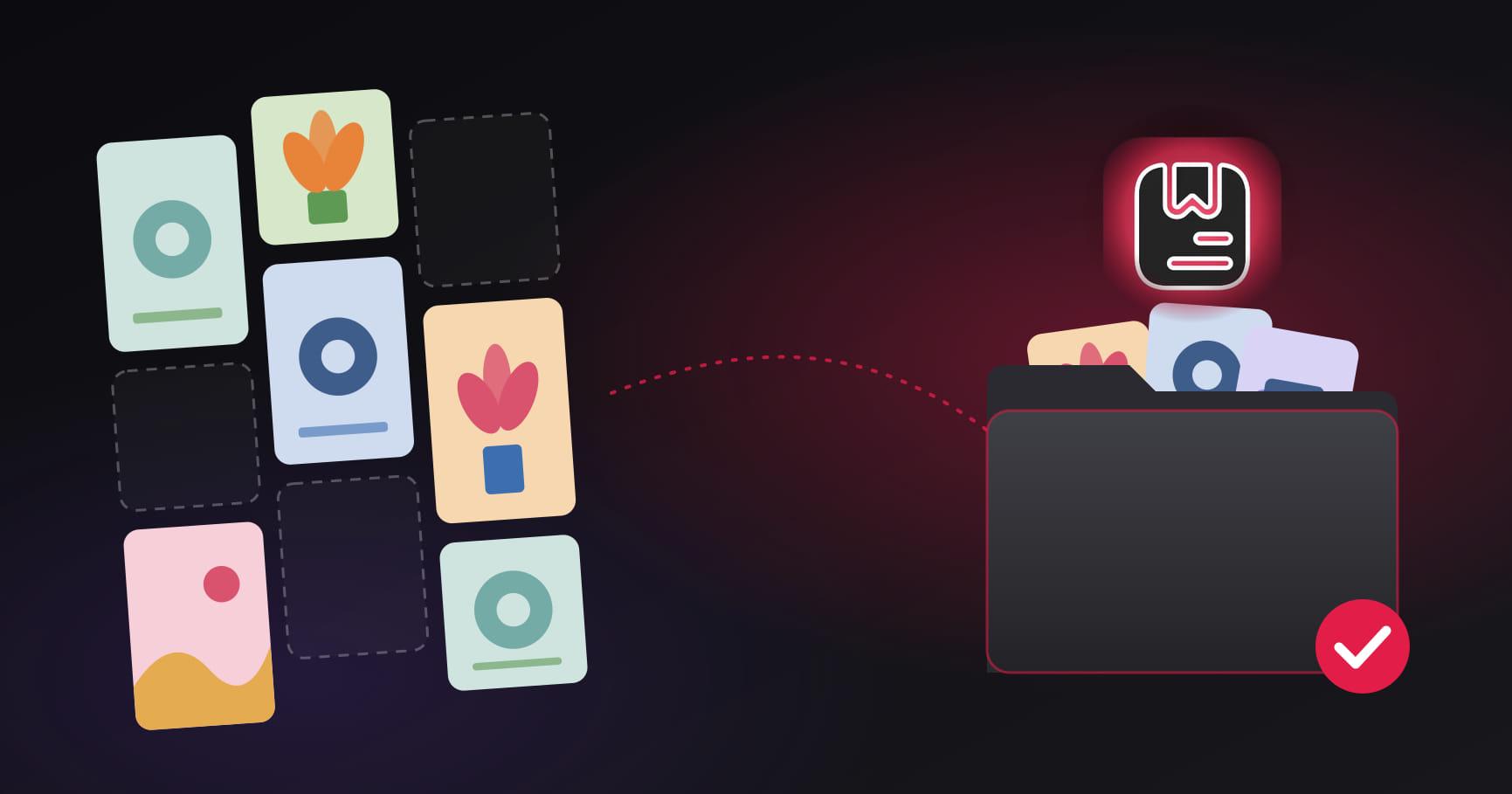
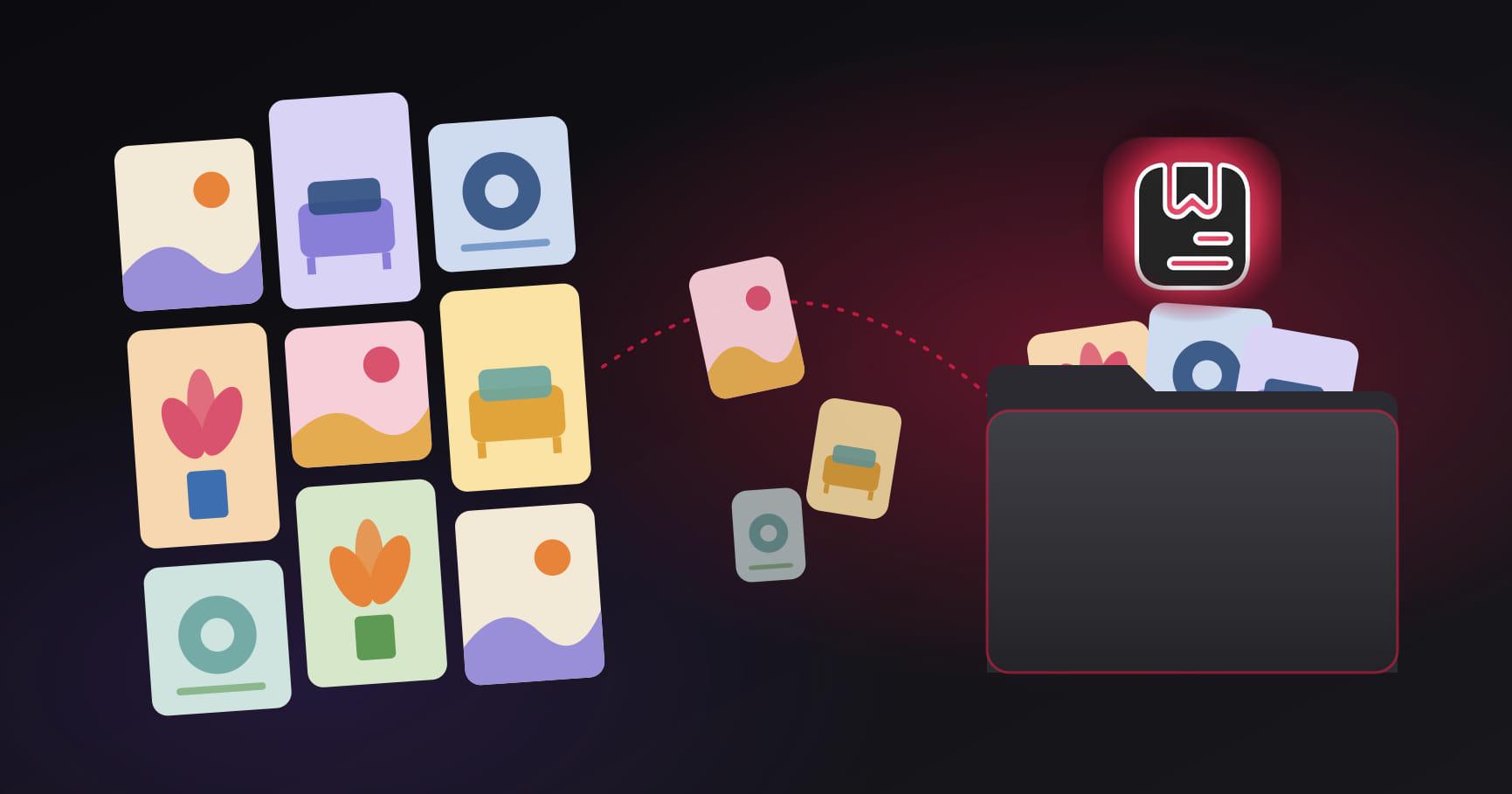
This guide covers the ways people usually get around that, where each one falls short, and the quickest way to download every image, GIF and video from a board into a folder on your computer.
Can You Download a Whole Board on Pinterest?
Not with Pinterest itself. You can open a single pin and download its image from the menu, and that's about it. Videos usually have no download option at all, and there's no button anywhere to save a whole board.
That's fine if you want three pins. It's not fine if you want three hundred.
The Usual Workarounds
Saving pins one at a time
It works, and it costs nothing. But on a big board it takes an afternoon, you end up with a folder of random file names, and you still can't get the videos. Most people give up somewhere around pin 40.
Browser extensions
There are plenty of extensions that promise to grab every image on a page. The catch is that many of them only see what's currently on your screen, so you get the small preview images instead of the full-size ones, and you have to keep scrolling to load more. They also ask for permission to read the pages you visit, which is a lot to hand over for a one-off download.
Online downloader websites
Paste a link, click download, dodge a few pop-ups. Most of these sites handle one pin at a time, not a whole board, and none of them can open a private board.
A desktop app made for whole boards
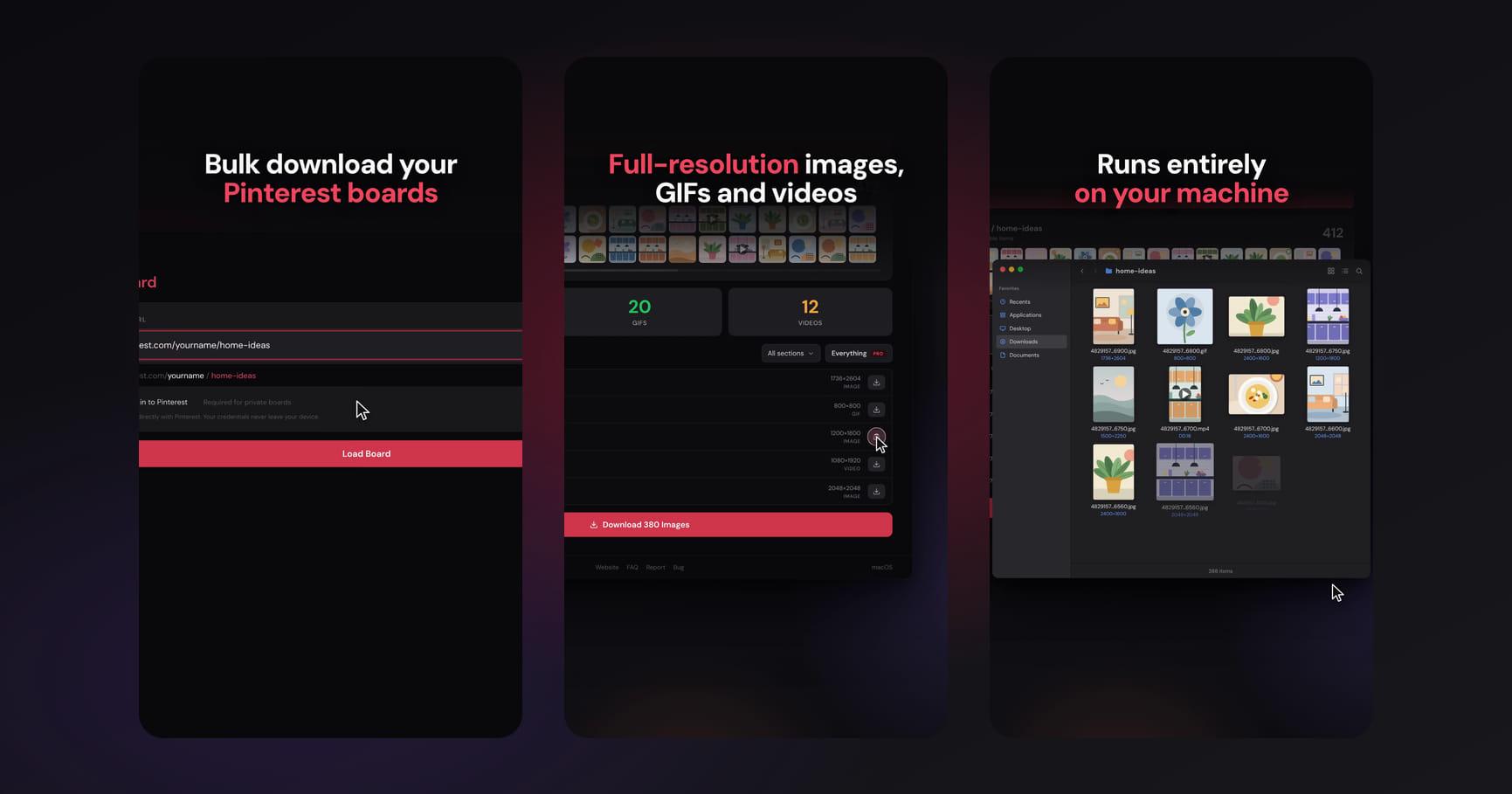
This is why I built PinBoard. You paste a board link, it loads every pin, and it saves the full-size images, GIFs and videos into a folder on your computer. No browser extension, no ads, and nothing gets uploaded anywhere.
How to Download a Pinterest Board, Step by Step
1. Install PinBoard
Get it from the download page. It works on Mac, Windows and Linux.
The first time you open it, your computer will show a warning, because the app isn't code-signed yet. On a Mac, go to System Settings, then Privacy & Security, and click Open Anyway. On Windows, click More info, then Run anyway. You only do this once, and the download page has screenshots of both.
2. Copy the board's link
Open the board on Pinterest and copy the address from your browser's address bar. In the Pinterest app, tap Share and then Copy link. Short pin.it links work too, and so do links to a single section of a board.
3. Paste it and click Load Board
PinBoard shows you which board it found as you paste, then loads every pin into a grid. You can also drag a link from your browser straight onto the PinBoard window.
4. Pick what you want
Switch between the All, Images, GIFs and Videos tabs. Download the whole tab, or click pins to pick just the ones you want. There's a search box too, which looks through the pin descriptions.
5. Click Download
Your files go into a folder named after the board, inside Downloads, then PinBoard. Videos are saved as normal MP4 files that play anywhere. If you download the same board again later, PinBoard only saves the new pins and skips the ones you already have.
Here's the whole thing in 20 seconds:
What's Free, and What Pro Adds
The free version downloads the first 25 images of any public board, and you don't need a Pinterest account for it. The number is 25 because when you're not signed in, Pinterest itself often stops showing a board after its first 25 pins.
PinBoard Pro is a one-time $19, with no subscription. It adds:
- Whole boards. Sign in with your Pinterest account inside the app and every pin loads, not just the first 25.
- GIFs and videos, with videos saved as MP4.
- Private and secret boards, once you're signed in.
- Automatic backups that save new pins from a board every day or every week.
- Up to 3 computers on one purchase.
If it doesn't work for your boards, email within 14 days of buying for a full refund.
Is It Safe?
PinBoard runs entirely on your computer. There are no PinBoard servers, nothing gets uploaded, and there's no tracking.
When you sign in, you're typing into Pinterest's own login page, shown inside the app, so PinBoard never sees your password. It only keeps the session that lets it open your boards, and that stays on your computer. PinBoard isn't affiliated with Pinterest.
A Quick Word on Copyright
PinBoard is for keeping your own boards and inspiration for personal use. The images still belong to the people who made them, so if you want to use one in public or in something you sell, ask the creator first.
Tips for Big Boards
- If a big board stops loading part way, open Settings, set Speed to Slow, and load it again. Pinterest is less likely to slow you down.
- If a download gets interrupted, just start it again. Files that were already saved are skipped.
- Each board, and each tab, gets its own folder, so a few downloads don't turn into one big mess.
Frequently Asked Questions
Can I download a private Pinterest board?
Yes, with Pro. Sign in to Pinterest inside PinBoard and your private and secret boards load like any other. More on private boards.
Are the images full quality?
Yes. PinBoard saves the full-size original Pinterest keeps, not the small preview from the grid.
Can I download Pinterest videos?
Yes, with Pro. They're converted to MP4 as they download. How video downloads work.
Does it work on my phone?
No. PinBoard is a desktop app for Mac, Windows and Linux.
Do I need a Pinterest account?
Not for the free version on public boards. You only sign in to load whole boards or private ones, which is part of Pro.
Final Thoughts
Pinterest is great for collecting ideas and not so great at letting you take them with you. If a board matters to you, it's worth having it in a folder you control, especially since pins can vanish from Pinterest without warning. I wrote about why pins disappear and how to keep yours, and if you're curious how the app itself works, there's the story of how I built PinBoard.