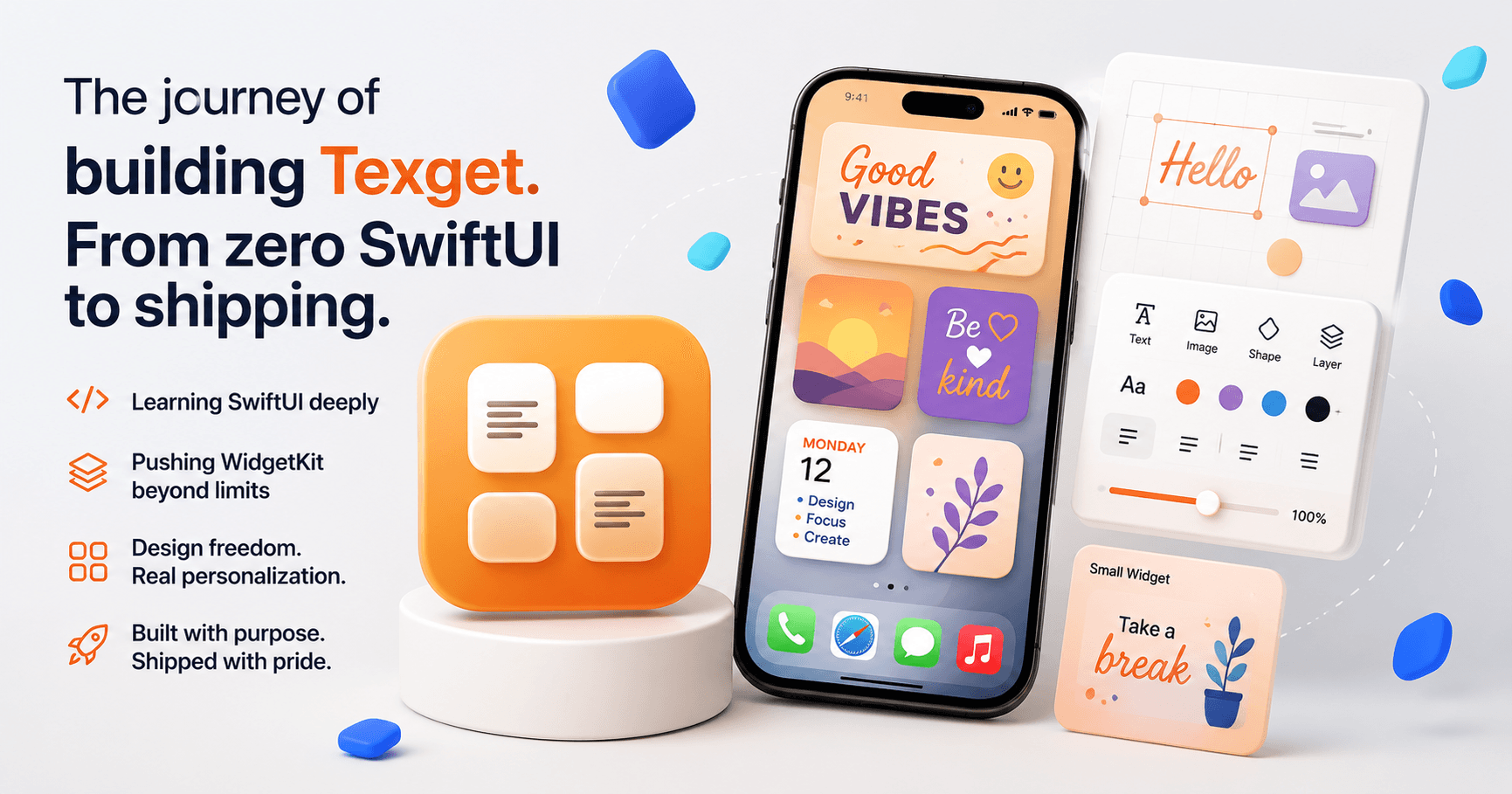
When I started building Texget, I was not trying to build "just another widget app." I was trying to learn SwiftUI deeply, understand Apple's UI philosophy end-to-end, and ship something that felt genuinely powerful rather than decorative.
Texget is the result of that process. It is both a learning journey and a deliberate attempt to push WidgetKit far beyond how most apps use it.
Learning SwiftUI by Building Something Real
I chose SwiftUI intentionally. Not because it was easy, but because it is opinionated, declarative, and forces you to think differently about state, rendering, and data flow.
Reading tutorials was never enough. SwiftUI only truly clicks when you fight it. Texget forced me to understand:
- How state actually propagates through views
- When SwiftUI re-renders and why
- How view identity, bindings, and environment values interact
- Why "simple" layout changes can break everything if you misunderstand the data model
Instead of building throwaway demos, I committed to a real product. That decision raised the bar for code quality, architecture, and long-term maintainability from day one.
Why I Built Texget
I wanted widgets that felt personal, expressive, and designed, not just informational. Most widget apps lock users into rigid templates with minimal customization. That always felt limiting.
Texget was built around a simple but aggressive idea:
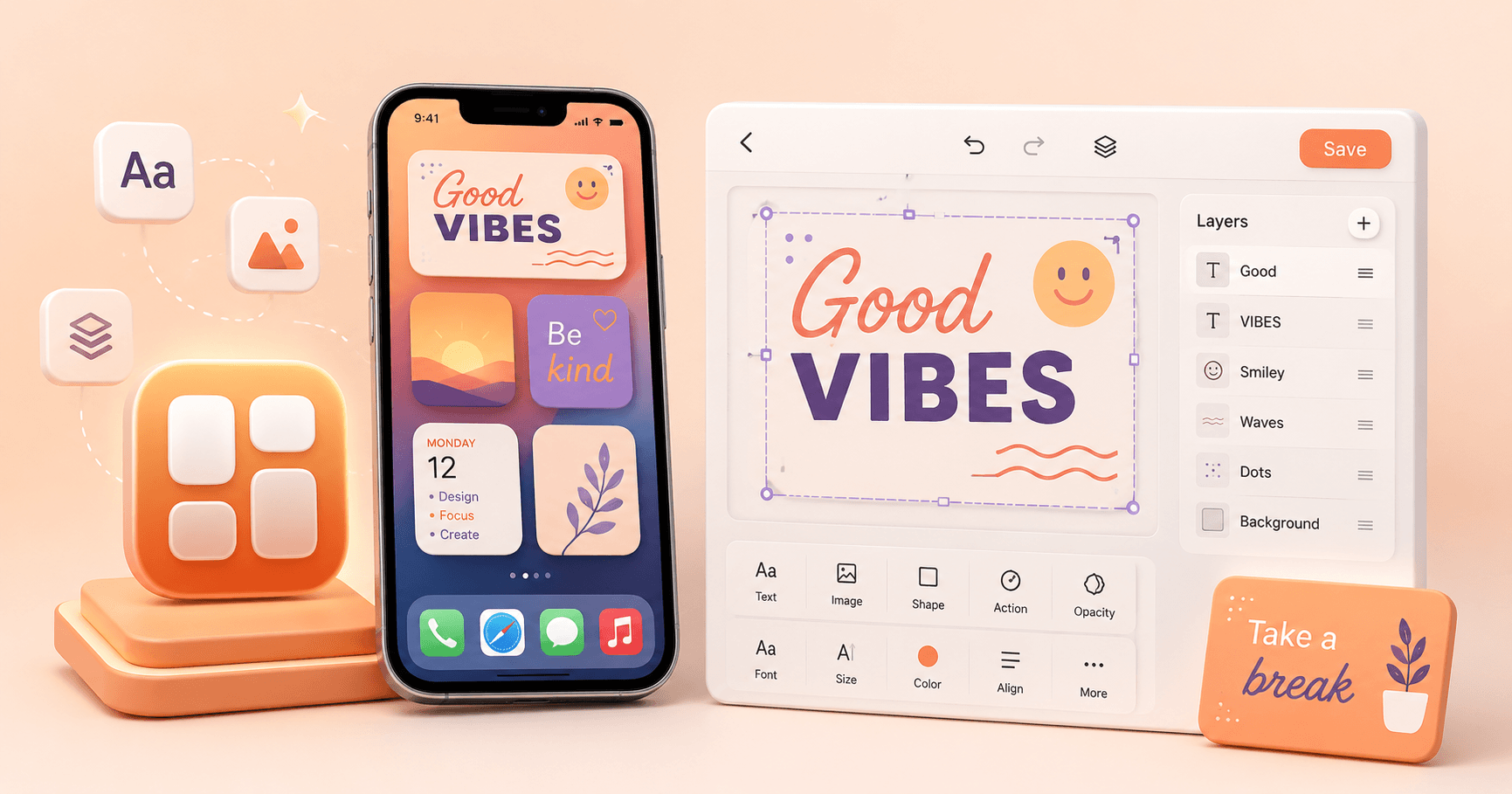
Users should be able to design widgets almost like a mini design tool, directly on their phone.
That meant:
- Free placement of text and images
- Real font control, not just presets
- Visual freedom without overwhelming the user
- Performance that holds up despite WidgetKit's constraints
Once that idea was clear, everything else followed.
The Reality of Working with WidgetKit
WidgetKit is powerful, but it is also extremely restrictive. You are dealing with:
- Strict memory limits
- Aggressive refresh policies
- Limited interactivity
- A rendering system that does not behave like normal SwiftUI views
Many things that feel trivial in a standard app become difficult or impossible in widgets.
Texget required careful design decisions to work with these constraints rather than constantly fighting them. This meant optimizing layouts, minimizing unnecessary state changes, and designing features that feel dynamic even within static widget snapshots.
There were moments where entire features had to be redesigned because WidgetKit simply refused to cooperate. That was frustrating, but it also forced creative solutions that ultimately made the app better.
Shipping Texget
Shipping Texget was not just about releasing an app. It was about proving that a deeply customizable, design-heavy widget app is possible if you respect the platform and push it intelligently.
Texget is the outcome of real constraints, real failures, and a lot of iteration. It is a product that exists because I wanted to understand SwiftUI and WidgetKit at a professional level and build something genuinely different in the process.