 Apps and reviews
Every week I see another post about someone making $10,000 a month with an AI app. This isn't one of those.
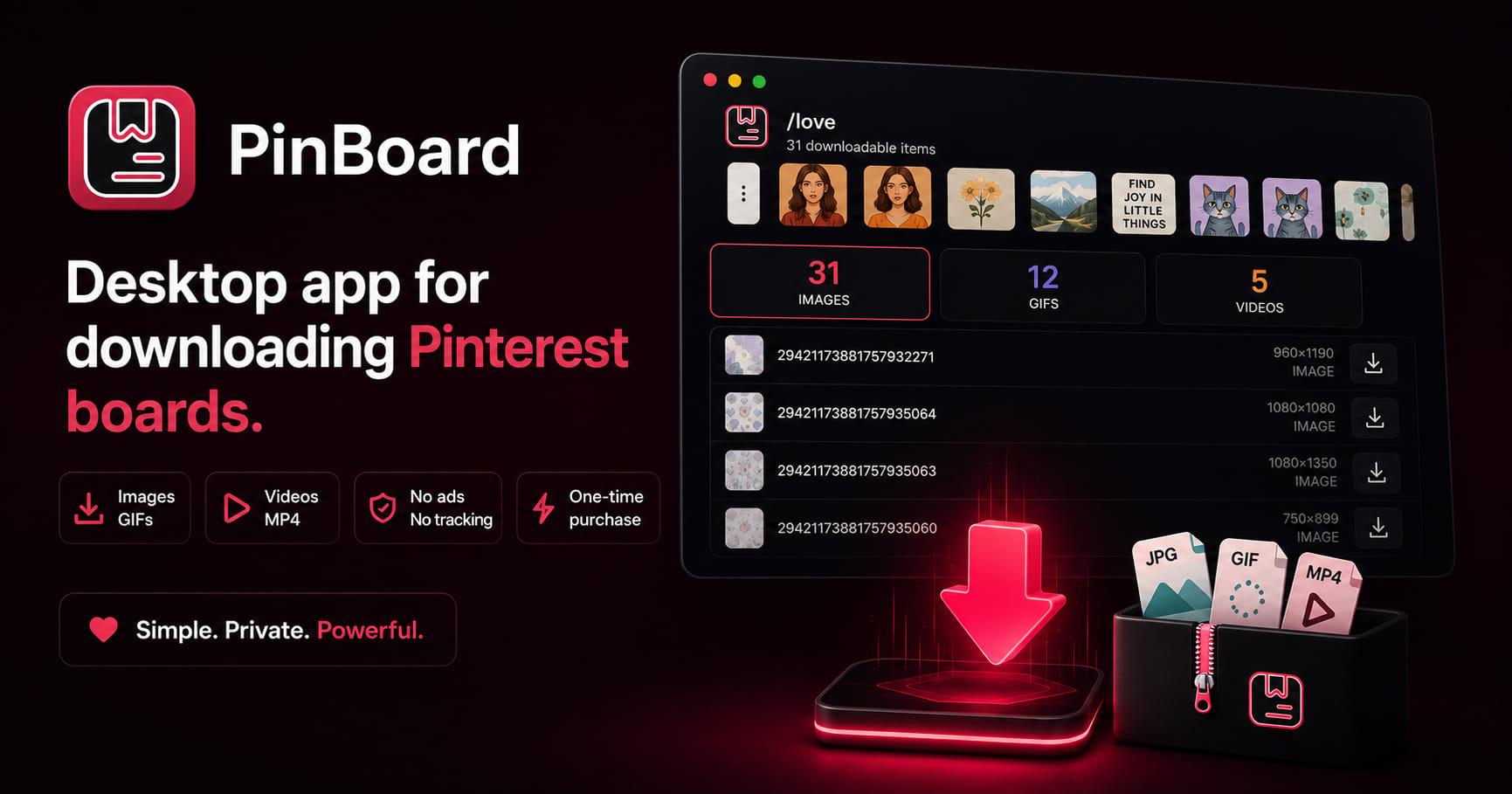
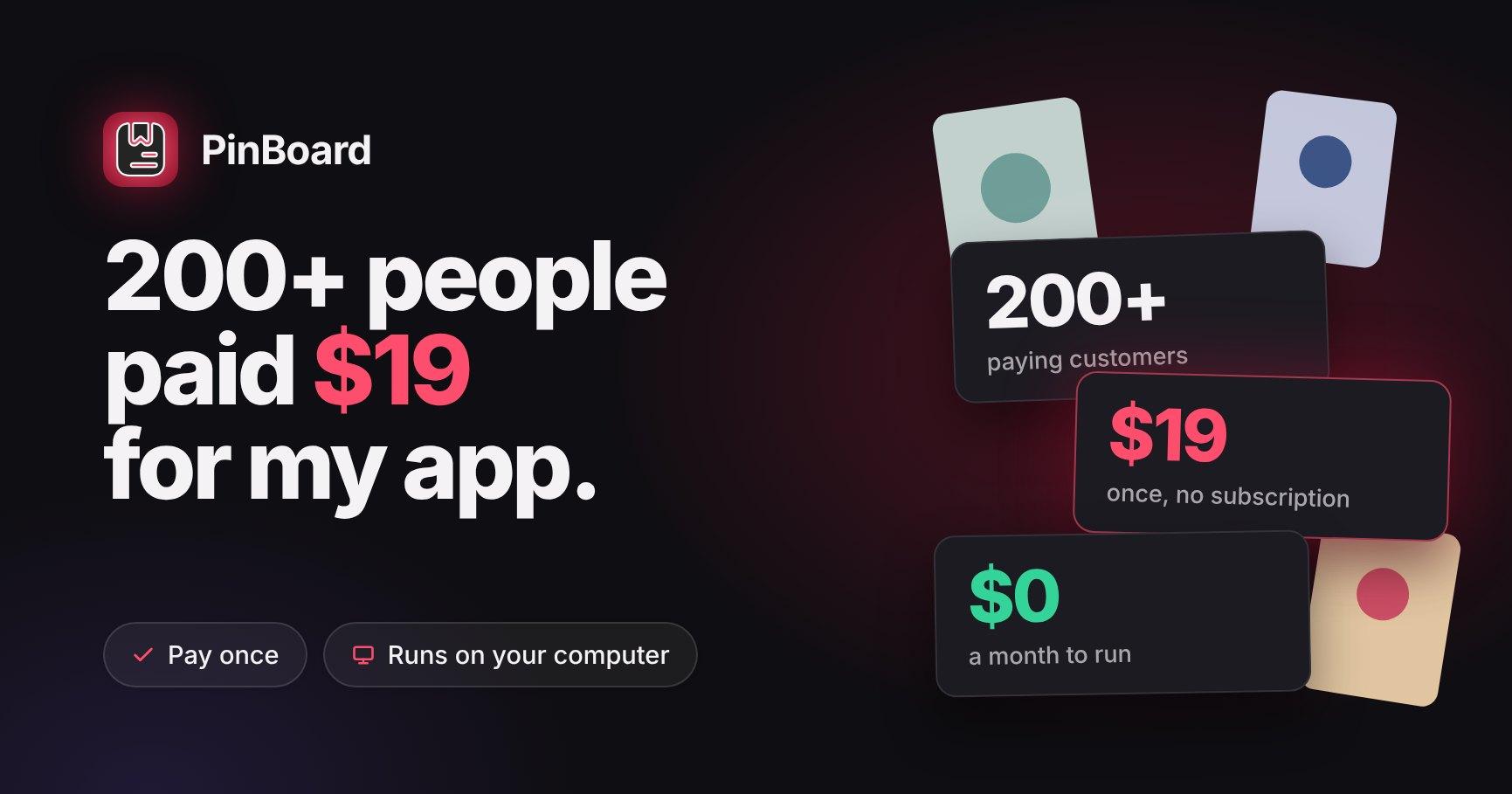
This is about a small desktop app called PinBoard. It downloads and backs up Pinterest boards. More than 200 people have paid $19 for it.
Do the math and that's around $4,000 before fees and tax. Not quit-your-job money. But here's the part I care about: my monthly bill for running it is $0.
Why It Costs Nothing to Run
Most apps you pay for have a server somewhere. Every user costs the developer a little bit of money, every single month. That's why almost everything is a subscription now.
PinBoard doesn't work like that. The app runs entirely on your own computer. When you download a board, the images go straight from Pinterest to a folder on your machine. They never pass through anything of mine. No servers, no database, no cloud storage bill that grows when the app gets popular.
To be fair, it's $0 a month, not $0 forever. The domain renews once a year, and the payment provider takes a cut of each sale. But there's no bill waiting for me on the 1st of every month, whether anyone buys or not. I wrote more about how PinBoard runs without a server.
Why I Charge Once, Not Monthly
Because I have no monthly costs, I don't need monthly payments.
And people notice. A lot of folks are tired of subscriptions for tools they use a few times a month. "Pay once, it's yours" is a big part of why people buy. It's written right on the pricing card: no subscriptions, no hidden fees.
Pro is $19, works on up to 3 computers, and comes with a 14-day refund if it can't download your boards.
The Free Version Does the Selling
The free version downloads the first 25 pins of any public board. That's enough to see that it works, and it's exactly where people hit the wall.
Nobody has a 25-pin board. Real boards have hundreds or thousands of pins. Once you've watched the first 25 land in a folder, $19 for the rest feels like an easy yes.
Pro adds what people actually want:
- Whole boards, any size, in one click
- Videos saved as normal MP4 files
- Animated GIFs that stay animated
- Private and secret boards
- Automatic backups, daily or weekly, so new pins save themselves
- Each board section in its own folder
Who Actually Buys It
Two kinds of people, mostly.
- Designers and creatives who build mood boards and reference libraries, and want them offline and organized.
- People backing up years of pins. Pins disappear all the time: the original gets deleted, a site shuts down, an account gets suspended. If you've spent years building a board, that's a scary thought. I wrote about why pins disappear from Pinterest boards.
What It Really Costs Me: Time
The money side is cheap. The time side isn't.
- Pinterest changes things. When something on their side changes, I have to fix the app quickly, because people paid for it to work.
- Monthly updates. I ship a new version roughly every month.
- Support. Every email gets answered by me, the person who builds the app. No ticket system, no bot.
- No paid code signing. Apple and Microsoft charge yearly fees to sign apps. I don't pay them, so Macs and Windows PCs show a warning the first time you open PinBoard. I'm sure that costs me some sales. I wrote clear install guides and made video tutorials instead.
If You Want to Build Something Like This
Here's what I'd copy:
- Pick a job people do over and over and hate doing. Saving 500 images one at a time is that job.
- Run it on the user's machine if you can. No server means no monthly bill, which means you can charge once.
- Give away a small taste for free. Enough to prove it works, not enough to finish the job.
- Write a guide for every exact thing people search for. "Download a Pinterest board", "download Pinterest videos as MP4", "back up Pinterest boards". Each one is a door into the app.
- Answer every email yourself. It's the cheapest marketing there is.
200 customers won't make anyone rich. But a small app that costs nothing to run, sells while I sleep, and gets a little better every month is a good thing to own.
If you've got Pinterest boards you'd hate to lose, PinBoard is free to try on Mac, Windows and Linux.